Arrangemangen och erbjudanden Boutique Guesthose-Moncarapacho
Vi vill gärna informera dig om våra intressanta rabatt- och/eller last minute erbjudanden och våra vänliga paketeringar för en underbar avkopplande semester hos Boutique Guesthouse-Moncarapacho i den soliga Algarve, Portugal!
Vi erbjuder också våra gäster olika roliga hotellservice-arrangement. Mer information finns här.
MUSIKALISK INREDA SEPTEMBER 2026
For musikälskare har vi planerat en särskild musikalisk upplevelse för veckan från 26 september 2026!
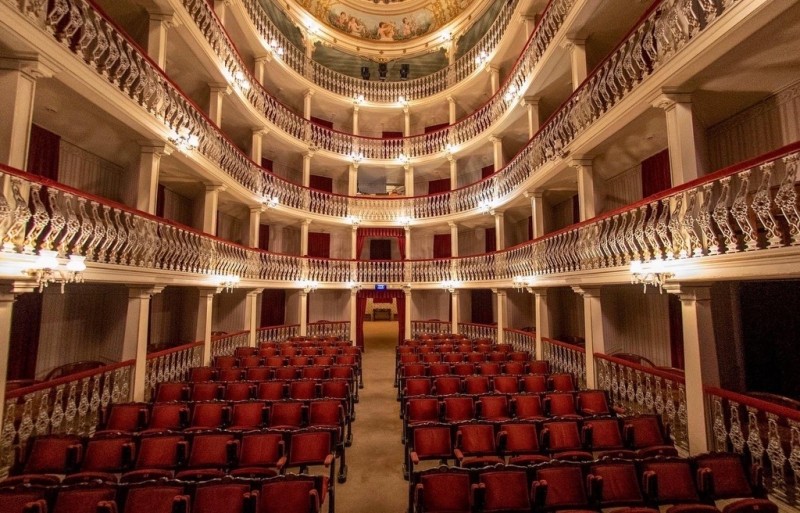
En kväll med klassisk musik i Portugals vackraste teater: Teatro Lethes i Faro, ofta beskrivet som en miniatyrversion av La Scala i Milano.
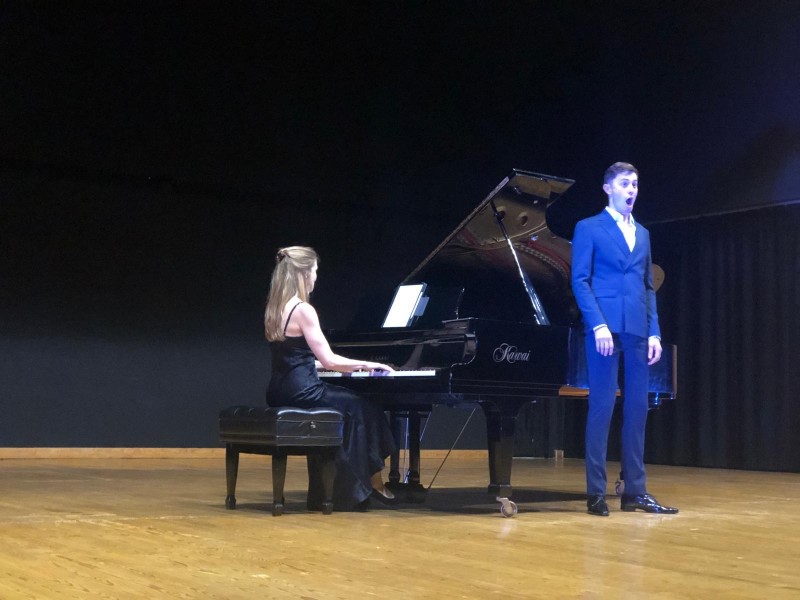
Vi har reserverat en privatlogg för två personer på balkongen för lördagkvällen den 26 september (kl. 19.00), där ni kan njuta av en föreställning av den berömda svenska baritonen Äneas Humm. Internationalt erkänd för sin imponerande scenpresentation och vokal kvalitet,
Äneas har upptrett på prestigefyllda europeiska scenor, inklusive i Amsterdam, Bremen och Venedig, och är en mycket eftersökt konsertbariton och gästsolist.
Programmet omfattar verk av Jules Massenet, Richard Wagner, Antonín Dvořák och Richard Strauss, med pianofoljning av Doriana Tchakarova.
I detta år upptår Äneas igen för att samla in pengar för Rotary Club Estoi Palace International. Inkomsterna kommer att stödja sociala projekt inom den lokala Estoi-gemenskapen.
Boker du en semesterresa med oss under veckan från 26 september, erbjuder vi dig gärna denna kväll ut som vår gäst. Detta erbjudande gäller endast om du bokar din vistelse hos oss direkt via denna webbplats.
För mer information: info@guesthouse-moncarapacho.com
Direkt bokning rabatt
Gäster som bokar direkt hos oss via denna webbplats och bokar 7 nätter eller mindre får 10% rabatt!
Rabattkoden är: 10% Direkt bokningsrabatt
- Denna action gäller inte i kombination med andra (övervinternas) rabattkoder/ordningar.
Gäller endast för Casa Pauline och Casa Florine
- Vanliga avboknings- och betalningskonditionerna gäller.
- E-post oss när du har frågor eller kommentarer.
Direkt bokning rabatt vid 8 nätter eller mer
Gäster som bokar direkt hos oss 8 eller fler nätter får 15% rabatt!
Rabattkoden är: 15% Direkt bokningsrabatt 8 nätter eller längre
- Denna action gäller inte i kombination med andra (övervinternas) rabattkoder/ordningar.
Gäller endast för Casa Pauline och Casa Florine
- Vanliga avboknings- och betalningskonditionerna gäller.
- E-post oss när du har frågor eller kommentarer.
Returrabatt
Gäster som bokar igen hos oss får 15% rabatt på sin vistelse!
Rabattkoden är: 15% rabatt för återkommande besökare
- Denna erbjudande gäller inte i samband med last minute och/eller andra (övervintern)rabattkoder
Gäller endast för Casa Pauline och Casa Florine
- Vanliga avboknings- och betalningskonditionerna gäller
- E-post oss om du har frågor eller kommentarer.
TIDIGBOKNINGSACTION
- Vill du vara säker på en av våra lyxiga boenden? Skicka oss en e-post.
- Du får då en tidig bokningsrabattkod på 20% på din boende.
- Din direkt bokning av en accommodation måste göras minst 6 månader före din vistelse.
Rabattkoden är: 20% tidig fågelrabatt
- Denna action gäller ej i kombination med andra (vinter) rabattkoder/erbjudanden
Gäller endast för Casa Pauline och Casa Florine
- Vanliga avboknings- och betalningskonditionerna gäller.
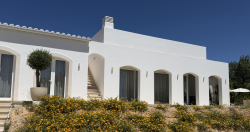
Foto: Casa Pauline med två sovrum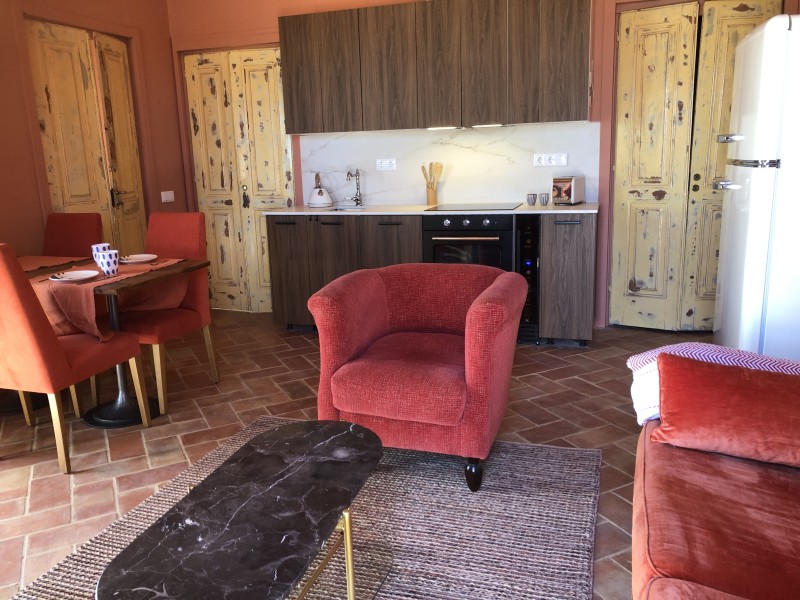
Semester i vinterens solI sydliga delen av Portugal är det fortfarande trevligt vid kusten även under vintermånaderna. Östliga Algarve har det högsta antalet soltimmar under vinter.
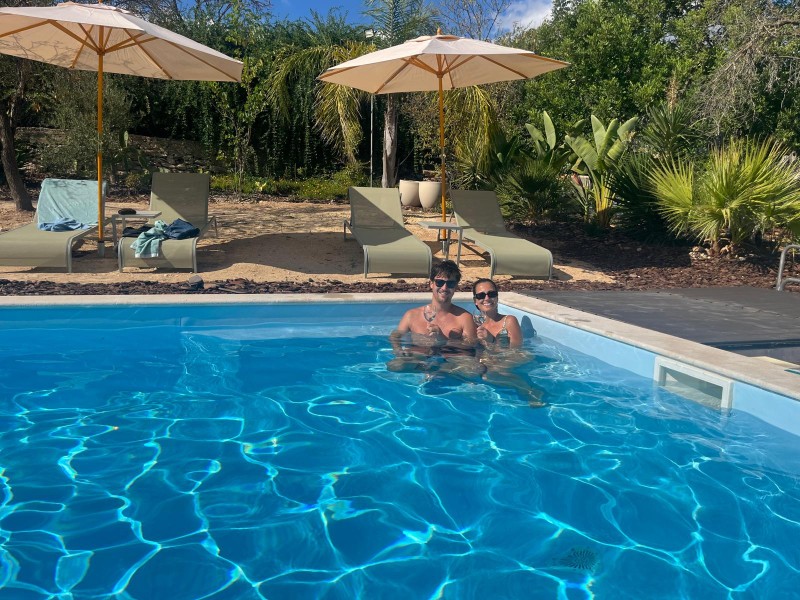
Golvvärme ger en bekväm värme och på terassen till din boende, och säkert ur vinden, kan du njuta av din solstol i solen. Verkligen något att njuta av!
Vill du njuta av vintersol i Algarve under en längre period (mer än 28 dagar) får du 40% rabatt på din bokning. Läs mer här.
- Denna action gäller inte i kombination med andra erbjudanden eller rabattkoder.
Gäller endast för Casa Pauline och Casa Florine
- Vanliga avboknings- och betalningskonditionerna gäller.
- En övernattningserbjudande kan du inte boka direkt i vårt bokningssystem.
- E-post oss när du vill göra en bokning under vinterperioden november-mars.
- E-post oss när du har frågor eller kommentarer.
- Vi svarar inom 24 timmar
- Kolla i din skräppost om du inte får något meddelande tillbaka
- Eller skicka en WhatsApp +31 6 14645771
Välkommen!

Till juni
Till juni är en nederländsk resorganisationsföretag, en del av Corendon, som erbjuder semestrer till solen med alltid en hyresbil, flyg och boende ingärna.
Vället tycker du om att allt ordnas för dig. Du kan boka direkt hos dem och allt ordnas för dig. Du hittar vår accommodatie här på deras webbplats!

Vi hoppas att du får möjlighet att besöka oss här och njuta av den vackra och nästan alltid soliga (östra) Algarve.
Välkommen!
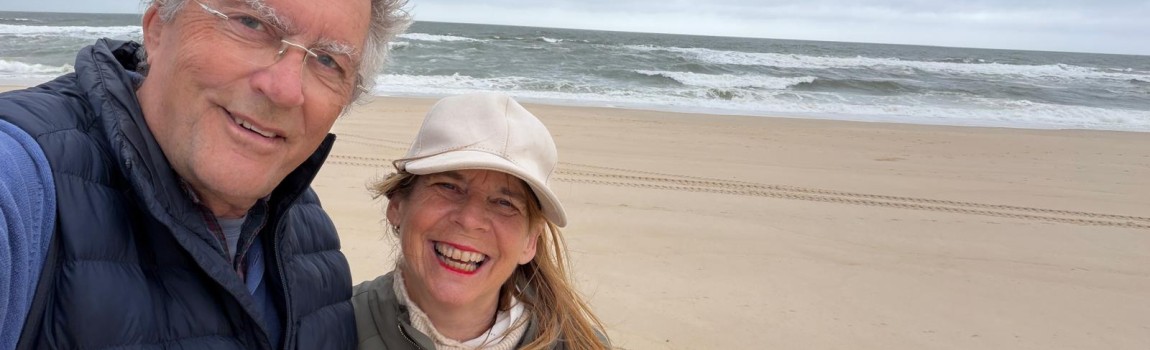
Maarten och Celina
Värdar Boutique Guesthouse-Moncarapacho
Detta är vår egen webbplats med det bästa priset. Klicka här för våra boenden eller ställ oss en personlig fråga.